The Irish theory test app for Android and iPhone
Add it to your home screen from this page, on Android or iPhone, and open it like any other app.
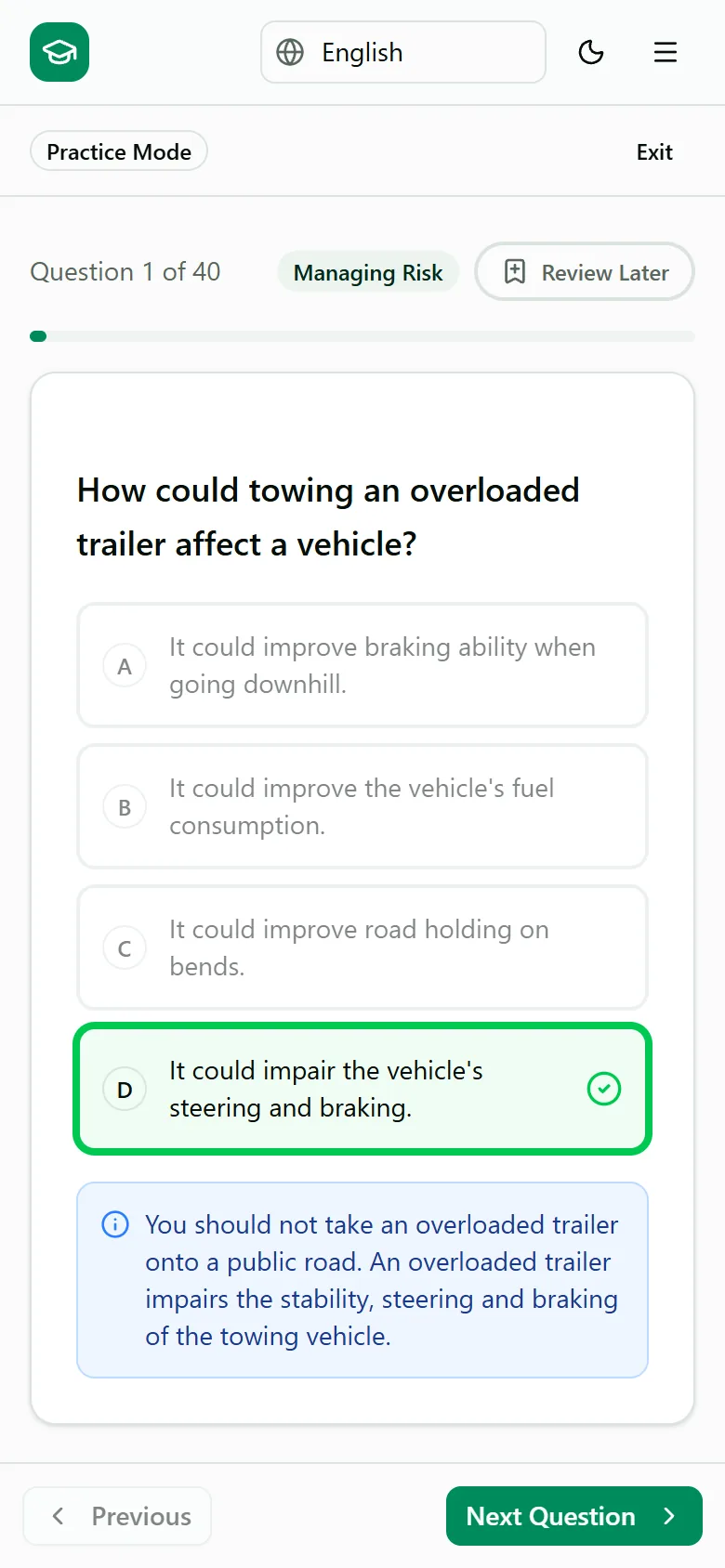
What is a web app?
It's the website, saved as an app
It gets its own icon on your home screen and opens full screen, without the browser's address bar.
You don't need an app store
You install it from your browser in a few taps, and it takes up almost no space on your phone.
It updates itself
Each time you open it, you get the latest version. There's nothing to download.
Why install it
Everything the website does
Practise by topic, sit timed mock exams, translate questions into 11 languages, check your progress and upgrade your plan, all from the app on your phone.
Works on Android and iPhone
It works in Chrome on Android and in Safari on iPhone and iPad.
Same account, same progress
Sign in with your usual account and your practice history, mock exam results and plan are all there.
Sign in once
You stay signed in between visits, so you can open it and pick up where you left off.
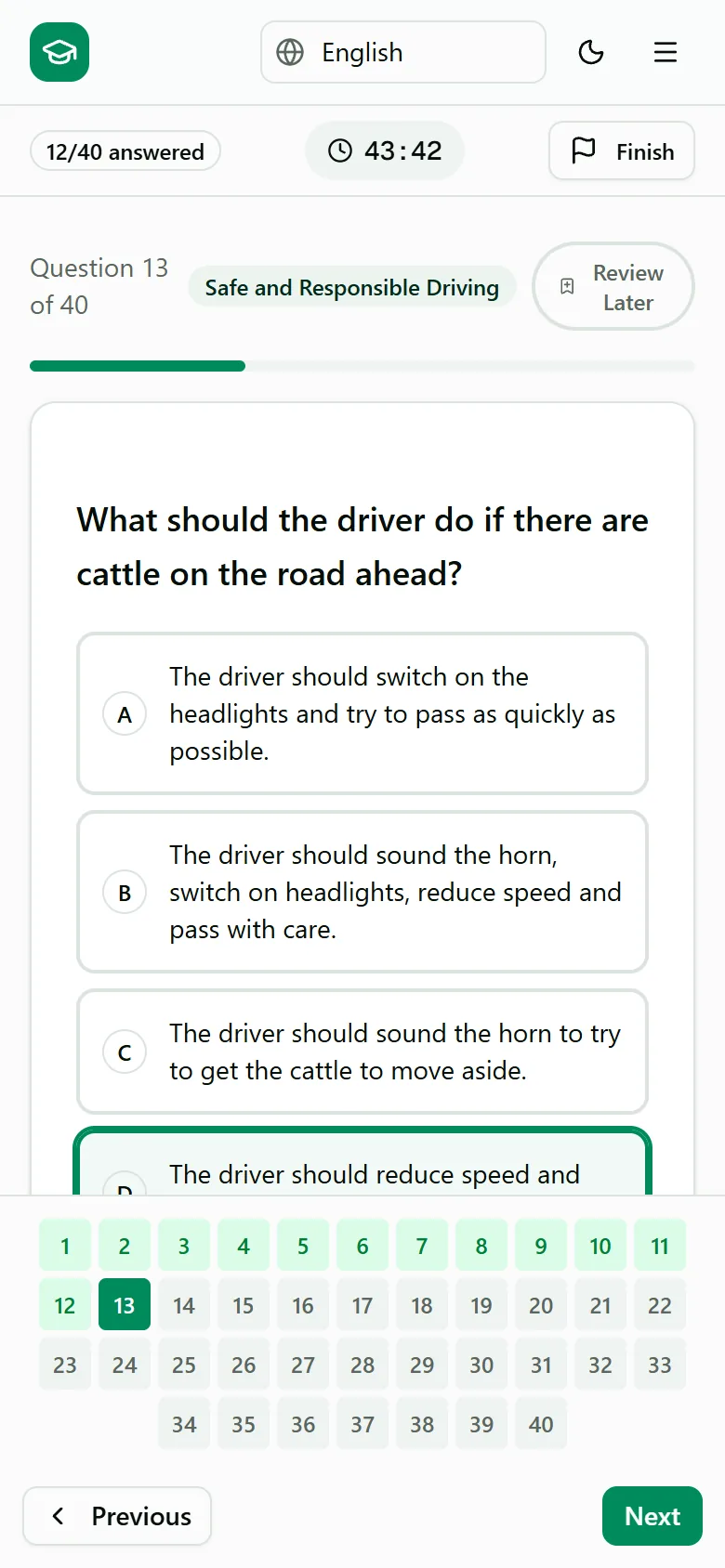
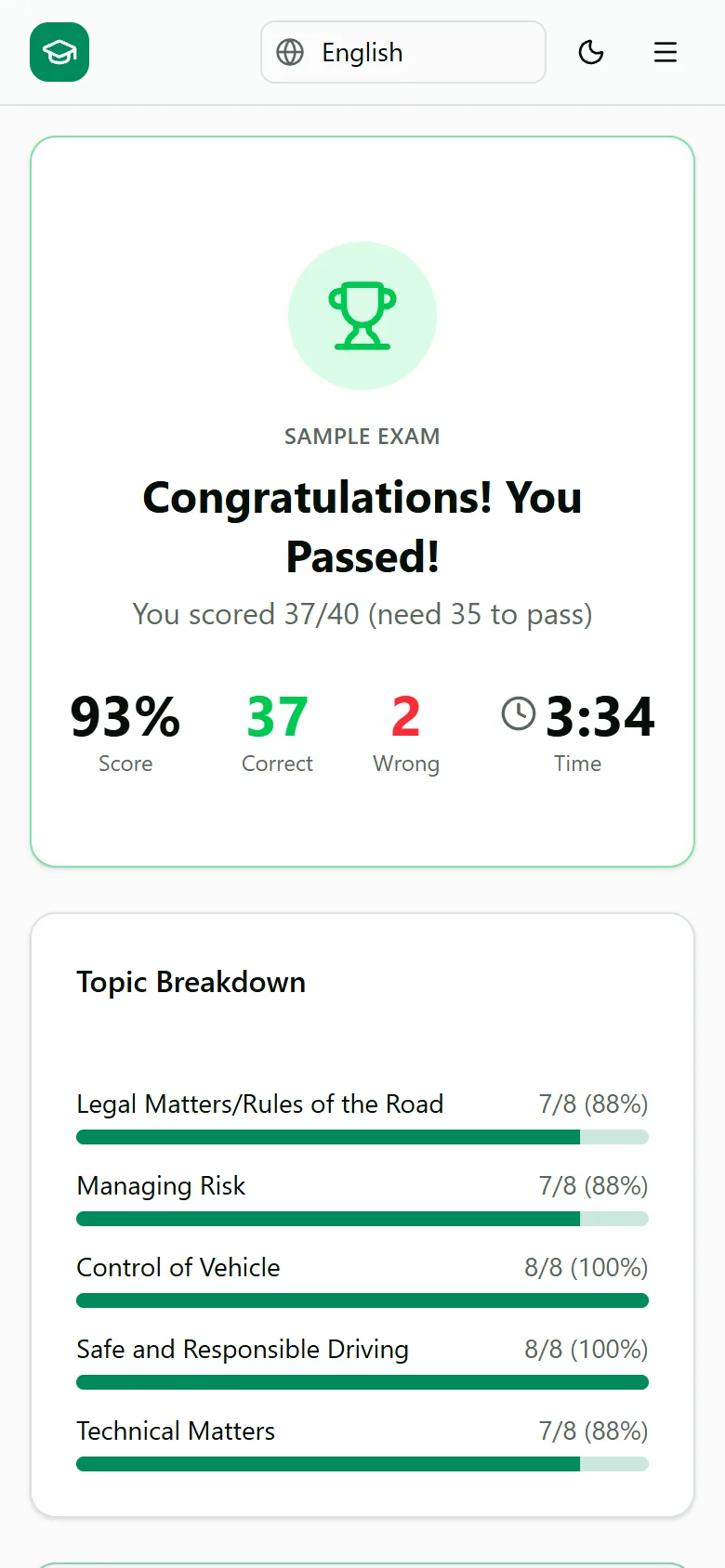
How to install it
Pick your phone and follow the steps. It takes about a minute.
Open this page in Chrome, then:
Tap the three dots menu at the top right of Chrome.
Tap Install app. On some phones it says Add to home screen.
Tap Install.
Questions
- Does it work without internet?
- No, it needs an internet connection, just like the website. If you lose signal, it shows a short notice and a button to try again.
- Is it safe to install?
- Yes. It's the same site you're on now, running in your phone's browser. It can't see your photos, contacts or other apps, and you can remove it like any other app.
- What does it cost?
- Installing it is free. You get 40 free questions to start. If you upgrade, the plans and prices are the same as on the website, with one payment and no subscription.